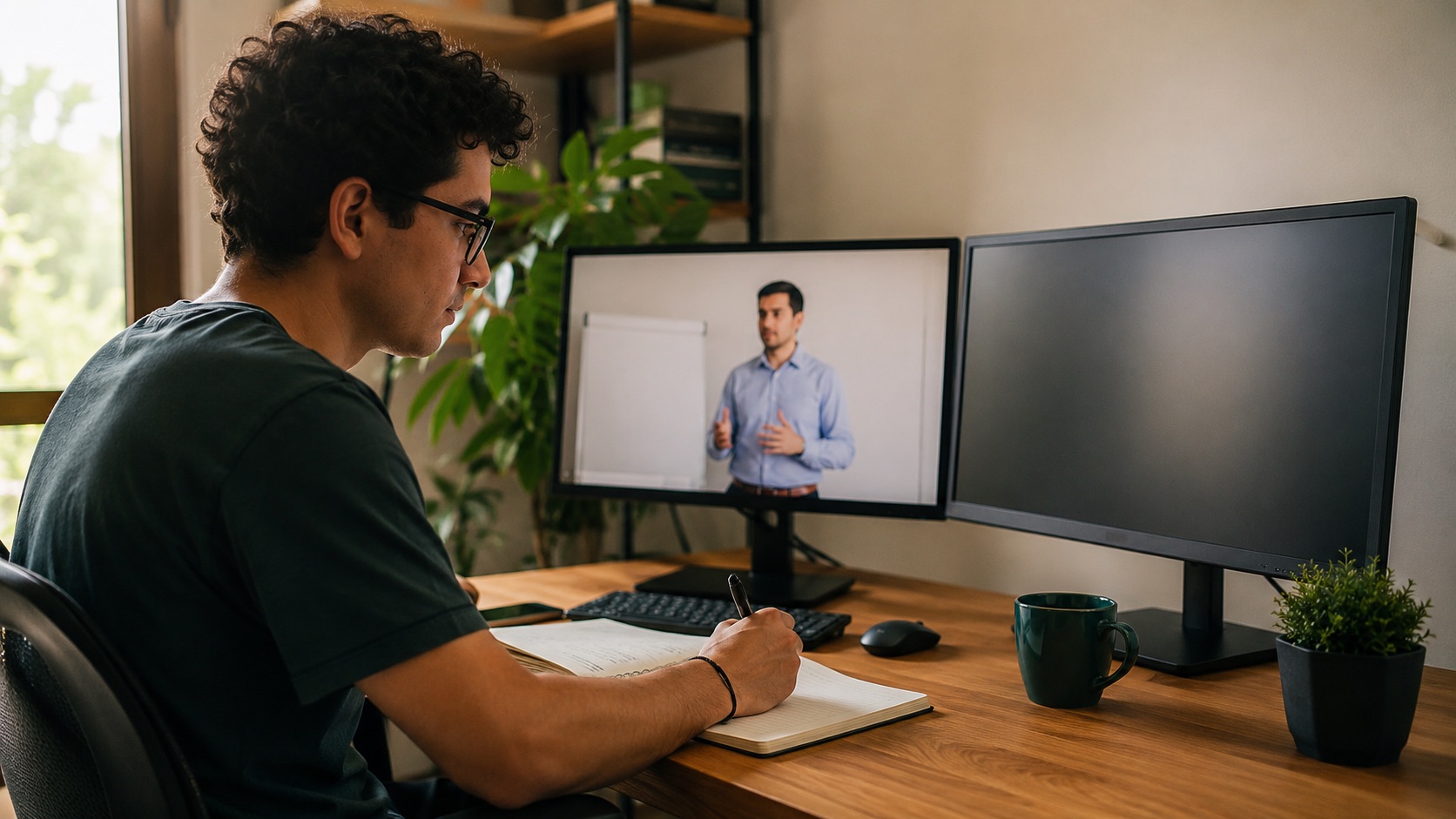
It is eleven at night before the exam and the class you need to review runs one hour and forty minutes on YouTube. You do not have time to watch it all again. You want to find the part where the professor explained that formula, copy the exact definition into your notes, and quote it properly in your paper. With the video you cannot: you cannot search inside a video, you cannot highlight it, you cannot paste it into a document. What you need is that video turned into words you can read, search and work with.
Turning a YouTube video to text is exactly that: getting the transcript, the written version of everything that is said. With the text in hand, an hour and forty of video is scanned in two minutes with the find key, you quote the exact sentence without fear of getting it wrong, and you ask an AI to summarize it. This how-to shows you the ways to do it, the difference between captions and a real transcript, and how to use it wisely without crossing any legal line.
01 · the fast wayThe automatic captions route
The most immediate way is already inside YouTube. Most videos carry captions that the platform itself generates automatically with speech recognition. Below the player, in the three dots menu, there is a "Show transcript" option. A side panel opens with the text synced by time marks. You can read it, copy it, and paste it into a document. Free, in seconds, with nothing to install.
Automatic captions are a good draft, not a finished document.
The problem shows up when you read them slowly. Automatic captions come with no periods or commas, words glued into one running block, errors where the model misheard a proper name or a technical term, and no structure at all: you cannot tell where one topic starts and another ends. For a well recorded English video they work reasonably. For one with a strong accent, background music, slang, or two people talking at once, the result can be a brick that is hard to use. It is good for getting the gist; it is not always good for studying or quoting.
| Aspect | Automatic captions | Clean, structured transcript |
|---|---|---|
| Punctuation | Almost none, running text | Periods, commas, paragraphs |
| Structure | One block, no sections | Headings and blocks by topic |
| Speech errors | Frequent on names and slang | Corrected or flagged |
| Speakers | Not distinguished | Can separate who says what |
| Ready to quote or summarize | Halfway | Yes, directly |
02 · the good partWhat a clean, structured transcript is
A clean transcript takes that raw text and makes it readable. It adds punctuation so the sentences breathe, splits it into paragraphs, fixes the obvious recognition errors, and gives it structure: headings by topic, separation of who speaks, sometimes time marks at the important jumps. The extra step, when done well, is to deliver it in Markdown, the lightweight structured text format (headings, lists, bold) that both you and an AI read without effort.
That difference is not cosmetic. A running text of ten thousand words tires you and you get lost; the same content with headings and paragraphs is scanned at a glance. And when you later ask an AI to summarize it or make exam questions, structured text gives far better answers than a shapeless brick, because the model understands where each idea starts and ends. Structure is not decoration: it is what makes the text usable.
The transcript captures what is said, not what is seen. If the professor writes an equation on the board and says "this here equals that", the text will keep that empty sentence without the equation. For classes with a lot of board work or slides, the transcript is a huge help, but it is worth combining with the slides or with screenshots of the key moments.
03 · the usesStudy, quote and summarize with the text in hand
Study a class. With the transcript you can read at your own pace, skip what you already know, search by word for the exact minute where a concept was explained, and highlight. Many people learn better by reading than by listening, and text lets you return ten times to one sentence without rewinding. It is the difference between attending a class and having the notes of the class.
Quote well. For a paper or an article, quoting from memory is risky: you change one word and you twist the idea. With the transcript you copy the exact sentence, verify the minute it was said, and attribute the quote to the video with its author. Quoting the correct source, without deforming it, is what separates serious work from a rumor.
Text turns a video that lasts an hour into something you find in a second.
Summarize. This is where AI shines. You paste the structured transcript and ask for the summary you need: five key points, a study outline, the questions that might come up in the exam, the list of concepts with their definition. A good summary comes from the text, not from the video, because the model reads words. The cleaner and more structured the transcript, the better the summary. That is why converting it well matters so much: it is the raw material for everything else.
| Step | What you do | Result |
|---|---|---|
| 1. Get the text | YouTube captions or a transcription tool | Everything said, in words |
| 2. Clean and structure | Punctuate, correct, order by topic | Readable text in Markdown |
| 3. Study or quote | Search, read, copy the exact sentence | Notes and verified quotes |
| 4. Summarize with AI | Paste the text and ask for the summary | Key points and questions |
04 · with careLegality and responsible use
Transcribing a video for your personal study, for your notes, or to quote it in a paper with proper attribution is a private and honest use, close to what many legal frameworks consider fair use or citation[2]. But the video has an author and rights[3]. Republishing the full transcript as if it were yours, selling it, or passing off someone else's ideas as your own without attribution is another matter: that is taking someone else's work. The simple rule: transcribe to understand and quote, not to copy and publish.
There is a second care, the one about data. When you upload a private video (a recorded meeting, an internal class, a voice note with personal data) to a cloud service to transcribe it, that content travels to someone else's server. It is worth knowing where it goes, how long it is kept, and whether it is used to train other models. For sensitive material, that question is not a detail: it is the difference between a tool you can trust and one you should not touch.
05 · in practiceHow Qirava does it
At Qirava we do not build a loose captions feature; we assemble a service that integrates the AI layer that hears and the layer that organizes, so what you receive is not raw text but something ready to work with. With Qirava Transcribe you paste the YouTube video link and get the result in structured Markdown: punctuated, in paragraphs, with headings by topic. Not a brick of words, but text you can already read, search, quote and hand to an AI to summarize.
And it does not stop at YouTube. The same service converts any file or link: video and audio from TikTok or Vimeo, recorded meetings, WhatsApp voice notes, and also documents you upload, Word, PDF, Excel, PowerPoint, images, CSV. The voice engine runs on our own infrastructure, without sending your content to third party APIs, which is exactly the answer to the concern about data.
On the free plan the transcriptions are not stored: the text goes to your device and stays there. If you need volume and memory, the premium plan processes in batch and keeps what you convert for three months from its creation, with a warning before it expires, and delivers it to a knowledge vault where your material stays ordered and searchable. The same exam night that opened this article is solved this way: you paste the link, you get the structured text, and from there to studying. The value is not in one feature, but in integrating the whole path at once.
Sources
- Google (2024). View video transcripts and use captions. YouTube Help. support.google.com/youtube/answer/6373554.
- U.S. Copyright Office (2023). More Information on Fair Use. copyright.gov/fair-use. On the limits of fair use for educational and citation purposes.
- World Intellectual Property Organization (WIPO). Copyright. wipo.int/copyright/en. General framework of author rights over audiovisual works.